
Postgic Blog · · 10 min read
How to Create Pinterest Pins with AI: Complete 2026 Guide
Learning how to create Pinterest pins with AI helps e-commerce brands, bloggers, and marketers publish scroll-stopping vertical graphics that drive saves, clicks, and product discovery — without hours in a design tool.
Pinterest is a visual search engine where the right pin format and clear promotional hierarchy matter. An AI Pinterest pin generator lets you move from campaign idea to publish-ready pin in minutes, at the correct 2:3 aspect ratio.
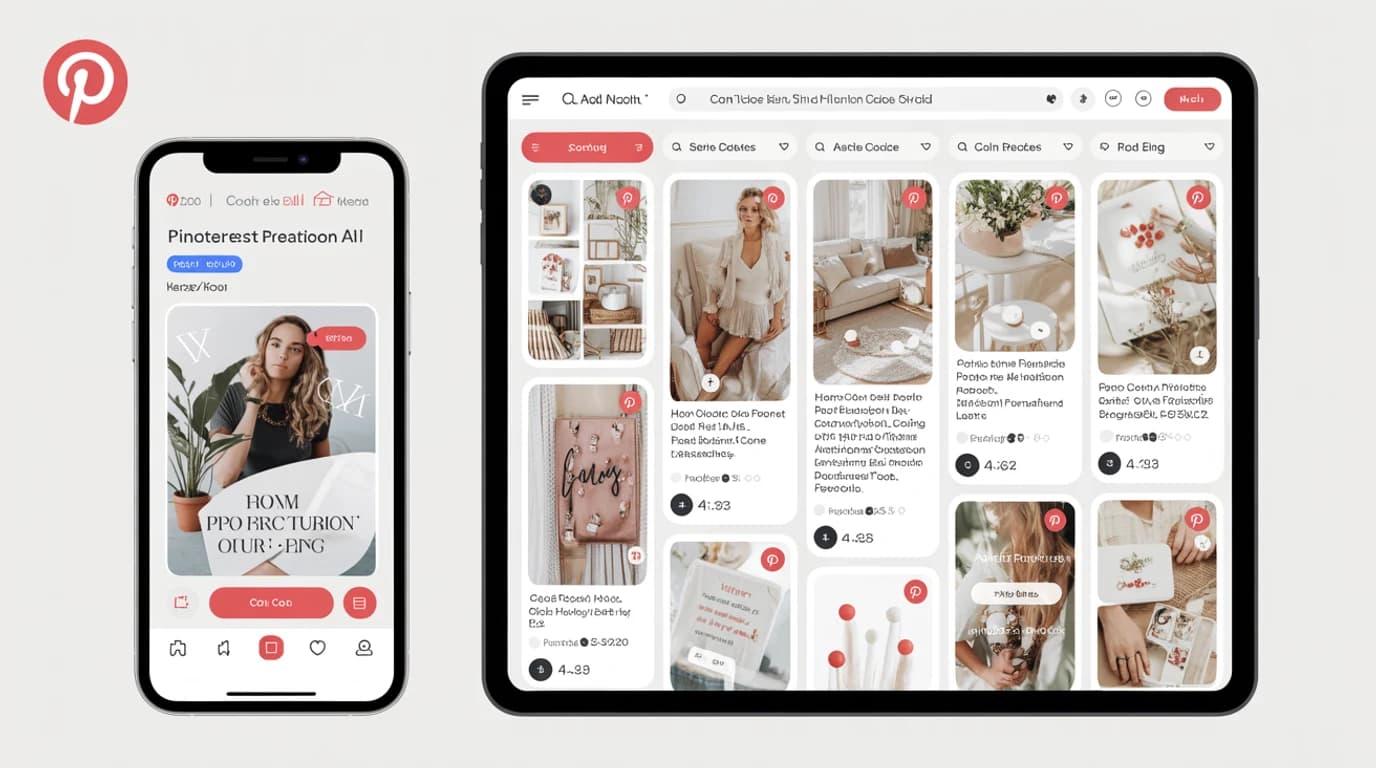
This guide covers Pinterest pin formats, prompt strategy, a step-by-step workflow, and how to generate high-converting pin creatives with Postgic.
Why use AI for Pinterest content?
Pinterest users browse with intent — recipes, home decor, fashion, and product ideas they plan to buy. Consistent pin output is hard when every graphic needs vertical layout, readable text space, and brand cohesion.
An AI Pinterest pin generator helps you:
- create standard 2:3 pins optimized for the feed grid
- batch seasonal and product campaigns quickly
- test multiple headlines and visual angles before scaling
- maintain consistent branding across pin boards
- drive blog and store traffic without a full design team
The best Pinterest pin generator AI tools focus on promotional output — offers, listicles, product cards, and CTAs — not generic illustration.
Pinterest pin formats and sizes
Always pick the correct format before generating. Wrong dimensions get cropped awkwardly in the home feed.
| Format | Aspect ratio | Best for |
|---|---|---|
| Standard pin | 2:3 (1000×1500) | Product promos, blog posts, seasonal offers |
| Square pin | 1:1 | Carousel covers, simple product shots |
| Long pin | 1:2.1 or taller | Step-by-step guides, infographics |
| Idea pin cover | 9:16 | Video idea pins and story-style content |
Postgic includes a Pinterest standard pin preset (1000×1500, 2:3) so you generate the right size upfront — no manual resizing in Canva.
Step-by-step: how to create Pinterest pins with AI
Step 1: Define one pin promise
Start with a single sentence that states the value:
- "10 minimalist kitchen organization ideas — clean, bright, home decor"
- "Summer dress collection launch — feminine, pastel, shoppable"
- "Free meal prep guide download — appetizing food photography, listicle style"
Specific prompts produce better AI Pinterest content than vague requests like "make a pin."
Step 2: Set campaign goal and visual style
Postgic inputs shape the composition:
- Campaign goal — sale, launch, blog traffic, signup, seasonal promo
- Visual style — minimal, bold, luxury, rustic, playful
These help the model produce Pinterest promotional pins with clear headline space and vertical hierarchy.
Step 3: Select the Pinterest preset before generating
Choose the Pinterest standard pin (2:3) format before generation. Pinterest's grid favors tall pins; landscape images underperform.
Use Postgic's in-app preview to see how your pin looks in a mobile Pinterest feed before downloading.
Step 4: Enhance your prompt with AI
Postgic's Gemini-powered prompt enhancement expands short ideas into detailed creative briefs.
Example:
- Input: "candle shop holiday gift guide pin, cozy"
- Enhanced direction: vertical Pinterest pin layout, warm holiday palette, product hero with gift-guide headline space, cozy lifestyle aesthetic optimized for 2:3 pin format
Step 5: Generate variations for A/B testing
Pinterest rewards fresh pins on the same URL. Generate 2–3 variations with different:
- headline framing
- color emphasis
- product vs lifestyle composition
Track saves, outbound clicks, and pin impressions to find winners.
Step 6: Download and publish
Export and publish via Pinterest Business, Tailwind, or your scheduler. Link every pin to a relevant landing page, product, or blog post.
Pinterest pin types that work well with AI
Product promo pins
Vertical product cards with price or offer space — strong for e-commerce and DTC brands.
Blog traffic pins
Listicle and how-to graphics with bold headline space — ideal for content marketers.
Seasonal sale pins
Holiday and event promos with urgency cues — high save rate when visuals match the season.
Lead magnet pins
Ebook, checklist, and guide promos with clean typography space.
Collection launch pins
New arrival grids and lookbook-style layouts for fashion and home brands.
Recipe and tutorial pins
Appetizing food photography with step-preview layout for food bloggers.
Pinterest AI marketing tips
- Design for vertical scan — headline at top, focal point in middle, CTA or branding at bottom
- Leave text space — pins with readable overlay text outperform busy full-bleed images
- Use high contrast — Pinterest feeds are dense; stand out with clear focal points
- Batch by board theme — generate a week of pins per product line or content pillar
- Refresh pin creatives — create new visuals for the same URL every few weeks
- Match pin to landing page — visual promise should match what users see after the click
- Track outbound clicks — optimize for traffic and conversions, not just saves
AI Pinterest pin generator vs manual design
| Approach | Time per pin | Best for |
|---|---|---|
| Manual Canva/Figma | 20–60 min | Full layout control |
| Freelance designer | 2–5 days | Complex brand campaigns |
| AI Pinterest pin generator | 1–5 min | Speed, volume, seasonal batches |
| Generic AI art tools | 5–15 min | Illustration, not marketing |
For teams publishing pins weekly, AI Pinterest pin generators deliver the best speed-to-ROI ratio.
How Postgic helps you create Pinterest pins with AI
Postgic is built for promotional social creatives across all major platforms, including Pinterest.
What you get
- Gemini prompt enhancement
- Pinterest standard pin preset (1000×1500, 2:3)
- Realistic mobile feed preview
- Promotional image generation (Flux and premium models)
- Modify and regenerate for fast iteration
- Cloud storage for campaign assets
- A 1-day free trial with 10 trial credits — card required, cancel before it ends and you are not charged
What you can create for Pinterest
- Standard product and promo pins (2:3)
- Blog and listicle traffic pins
- Seasonal campaign graphics
- Lead magnet and signup promos
Need video and higher volume? See pricing for Growth and Scale plans.
Common mistakes with Pinterest AI content
- Wrong aspect ratio — always use 2:3 for standard feed pins
- No headline space — pins need room for readable title text
- Generic prompts — "Pinterest pin" alone produces weak output
- No iteration — first output is rarely the best performer
- Ignoring mobile preview — desktop-only review misses feed context
- Cluttered visuals — vertical hierarchy needs a clear focal point
Pinterest AI content FAQ
Can AI create professional Pinterest pins?
Yes. With specific prompts, promotional style inputs, and the 2:3 preset, an AI Pinterest pin generator produces credible graphics for organic pins and Pinterest ads.
What is the best AI tool for Pinterest pins?
For promotional creatives with platform presets and feed preview, Postgic is purpose-built. Generic AI tools work for one-off images but lack campaign workflow.
What size should Pinterest pins be?
Use 1000×1500 pixels (2:3) for standard feed pins. Postgic's Pinterest preset handles this automatically.
Can I use AI Pinterest graphics in Pinterest ads?
Postgic is designed for marketing and promotional use. Review current terms and Pinterest ad policies before large-scale deployment.
How is Postgic different from Canva for Pinterest?
Canva is template-first with manual editing. Postgic is prompt-first with promotional generation, platform presets, and preview — optimized for speed and pin volume.
Does Postgic support Instagram and Facebook too?
Yes. One workflow covers Instagram, Facebook, LinkedIn, X, Pinterest, YouTube, and universal sizes.
Related guides
- How to Create Instagram Posts with AI (2026 Guide)
- How to Create Facebook Posts with AI (2026 Guide)
- Why Postgic Is Different from Other AI Social Media Generators
- Free AI Social Media Post Generator (2026 Guide)
Final thoughts
How to create Pinterest pins with AI comes down to vertical layout, clear headlines, specific prompts, and iteration. Tools that combine prompt enhancement, Pinterest presets, and feed previews — like Postgic — turn AI into a repeatable pipeline for traffic and product discovery.
Start with one board theme, generate three pin variations, publish the strongest creative, and optimize from Pinterest analytics.
Ready to create your first Pinterest pin? Start your free trial on Postgic and generate a platform-ready promotional pin in under a minute.